

Depop Fee Calculator

Don’t limit your Depop listings
Crosslist to 10+ marketplaces with Vendoo and reach more buyers with the same items.







How Does the Depop Fee Calculator Work?
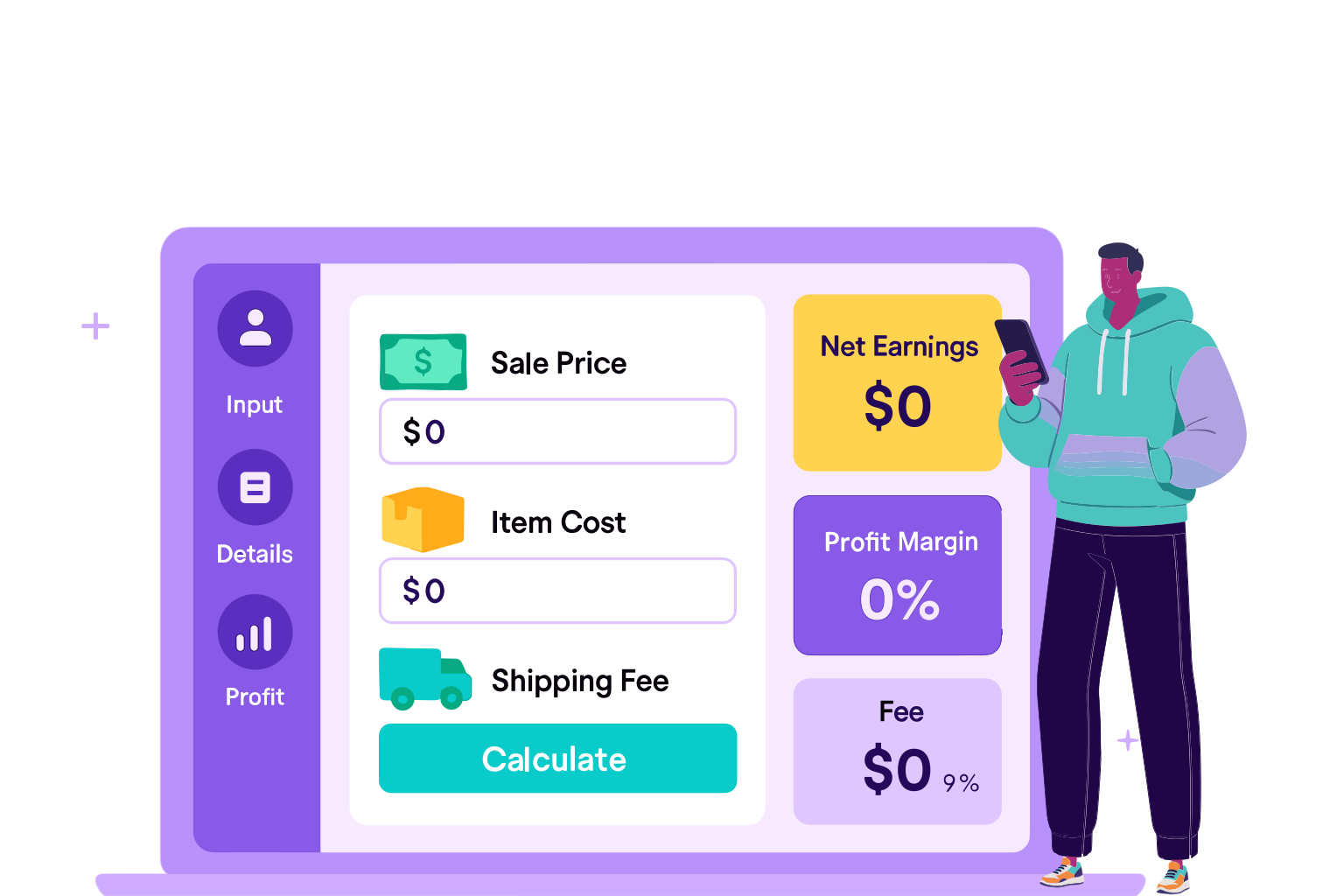
Vendoo’s Depop Fee Calculator is built to give sellers a fast and accurate estimate of what they’ll actually earn from a sale. Instead of doing the math yourself or relying on rough guesses, the calculator uses Depop’s current 2026 fee structure.
The tool pulls the numbers together instantly so you can price with confidence and avoid surprises later. Here’s a quick overview of how to use the Depop Fee Calculator:
1. Enter your email to unlock the tool
2. Choose your country
3. Select your payment processor: Depop payments or PayPal
4. Select shipping method: Depop shipping or your own shipping
5. Enter the selling price
6. Add your actual shipping cost (if shipping on your own)
7. Enter item cost
8. Check if the item was boosted
9. Once everything is entered, fees and profit will be calculated automatically!
The result is a reliable, easy-to-read estimate you can use while pricing new inventory, adjusting existing listings, or comparing Depop to other marketplaces.
Within a few seconds, you’ll see:
- Payment processing fee
- Shipping cost
- Total fees
- Your earnings
- Your profit
- Profit margin
This helps you avoid surprises at payout time and makes it easy to test different price points before you publish your listing.
Benefits of Using the Depop Fee Calculator
Pricing items on Depop is a balance between staying competitive, covering your costs, and ensuring good profit. Depop’s fees look simple at first glance, but once you factor in payment processing, shipping decisions, and your own cost of goods, it becomes harder to quickly do the mental math to estimate what you’ll actually make. Vendoo’s Depop Fees Calculator removes that guesswork. It gives you an exact breakdown based on Depop’s current fee structure and shows your real earnings before you list an item.
Below are the benefits sellers get from using the calculator, and why it’s a trusted tool for Depop creators who want accurate fee and profit calculations.
Always accurate with Depop’s 2026 fee structure
Depop’s fees don’t change often, but when they do, even small adjustments can affect your earnings more than expected. The calculator uses Depop’s current 2026 fee structure, taking into account the different fees based on your country, including whether you’ll pay a Depop fee and the different payment processing rate that applies to each sale.
Because these numbers are built into the tool, you never have to worry about outdated information or making your own spreadsheets. The calculator updates automatically, which means every result reflects the marketplace as it is today.
Includes both the platform fee and the payment processing fee
Depop no longer charges a selling fee for US and UK sellers, but the payment processing fee still impacts every sale. Since it includes both a percentage and a fixed amount, the impact is especially noticeable on lower-priced clothing and accessories.
Many sellers are surprised when their payout is lower than expected, which is why the calculator is so useful. It automatically applies the correct processing fee to the total order value (item price, shipping, and tax), so you always know exactly what you'll receive.
Perfect for fashion sellers who adjust prices often
Depop prices shift constantly due to trends, seasons, and demand. If you sell clothing or vintage, you’re probably adjusting prices often, and the calculator lets you see the profit difference instantly.
You can quickly test things like:
- New listing prices
- Price drops
- Offers you’re considering
This makes it easier to choose pricing that protects your profit without slowing down your workflow.
Helps creators avoid underpricing
Underpricing happens a lot on Depop, especially when sellers only think about the sale price and not the actual payout after fees and item cost. The calculator shows your net payout and profit at a glance, so you can avoid setting prices or accepting offers that cut too deeply into your margins.
Saves time compared to manual PayPal calculations
Processing fees include both a percentage and a fixed amount, which makes manual math more time-consuming than expected, especially when you’re pricing multiple items.
The calculator removes all that work. Just enter your numbers and the tool handles everything instantly, saving time for sellers who list in batches or adjust prices frequently.
Depop Fees Explained
Payment Processing Fees
For US and UK Depop sellers, you only need to worry about a processing fee on the total order value. The “total order value” includes the item price, shipping cost, and any applicable taxes.
In the US, Depop uses Stripe via “Depop Payments.” Every sale is charged 3.3% of the total order value + $0.45. In the UK, it’s 2.9% of the total order value + £0.30.If you’re located outside the US or UK, you can find more information on the fees on Depop’s Seller Fees and Charges page.
Selling / Marketplace Fees
For sellers based in the US and UK, Depop removed the old 10% selling fee for new listings as of mid-2024. That means no additional commission or selling fee beyond the payment processing fee.For sellers outside the US/UK (or selling in currencies other than USD/GBP), there is still a 10% selling fee on all sales. This fee is calculated on the item sale price (excluding taxes).
Boosted Listing Fees
Depop also offers “Boosted Listings,” which let you pay for extra visibility on your items. Unlike regular sales, boosted listings do have an additional fee, and the rate depends on your location.
United States & Australia
- Boosted listings are charged an 8% fee on the item sale price (excluding taxes).
- As with UK sellers, the boosting fee also applies to the shipping cost if you didn’t use a Depop Shipping label.
United Kingdom (UK)
- Boosted listings are charged a 12% fee on the item sale price (excluding taxes).
- If you didn’t use a Depop Shipping label, the boosting fee also applies to the shipping cost you charged the buyer.
Boosted listing fees are only applied when a boosted item actually sells, so you’re not charged upfront. These fees are in addition to the standard payment processing fee.

Detailed Fee Tables by Category and Store Level
Domestic vs International Fees by Location
Since Depop fees vary by location, use the table below to find your location and fee structure.
Depop Shipping Rates
Depop offers a range of shipping label options, and the cost depends on the package weight, the shipping method you choose, and whether you’re using Depop’s own labels or shipping on your own. To help you estimate your total costs more accurately, here’s a quick breakdown of the most common Depop shipping rates for typical apparel and accessories.
Example Profit Calculation
To make Depop’s fees easier to understand, let’s walk through a real-world example using a clothing item. Since most Depop sellers work with apparel, this example shows how the processing fee, shipping, and item cost all come together to determine your final profit.
Example: Selling a Vintage Tee on Depop for $35
Let’s say your item cost was $4 and you’re using Depop’s shipping methods. Plug that info into the calculator, and you’ll get:
- Payment Processing Fee: $1.60
- Shipping Cost: $0.00
- Total Fees: $1.60
- Your Earnings: $33.40
- Your Profit: $29.40
- Profit Margin: 84.0%
Understanding how Depop’s fees work makes it much easier to price confidently and protect your profit, especially when shipping and processing costs can vary from sale to sale. Once you break everything down, you can clearly see what you’ll take home from each order.
Use the calculator to plug in your own numbers, adjust for different item types, and make informed pricing decisions that keep your shop profitable as you grow.